News · · 5 min read
Photobooth Studio: how we take the hassle out of your booth
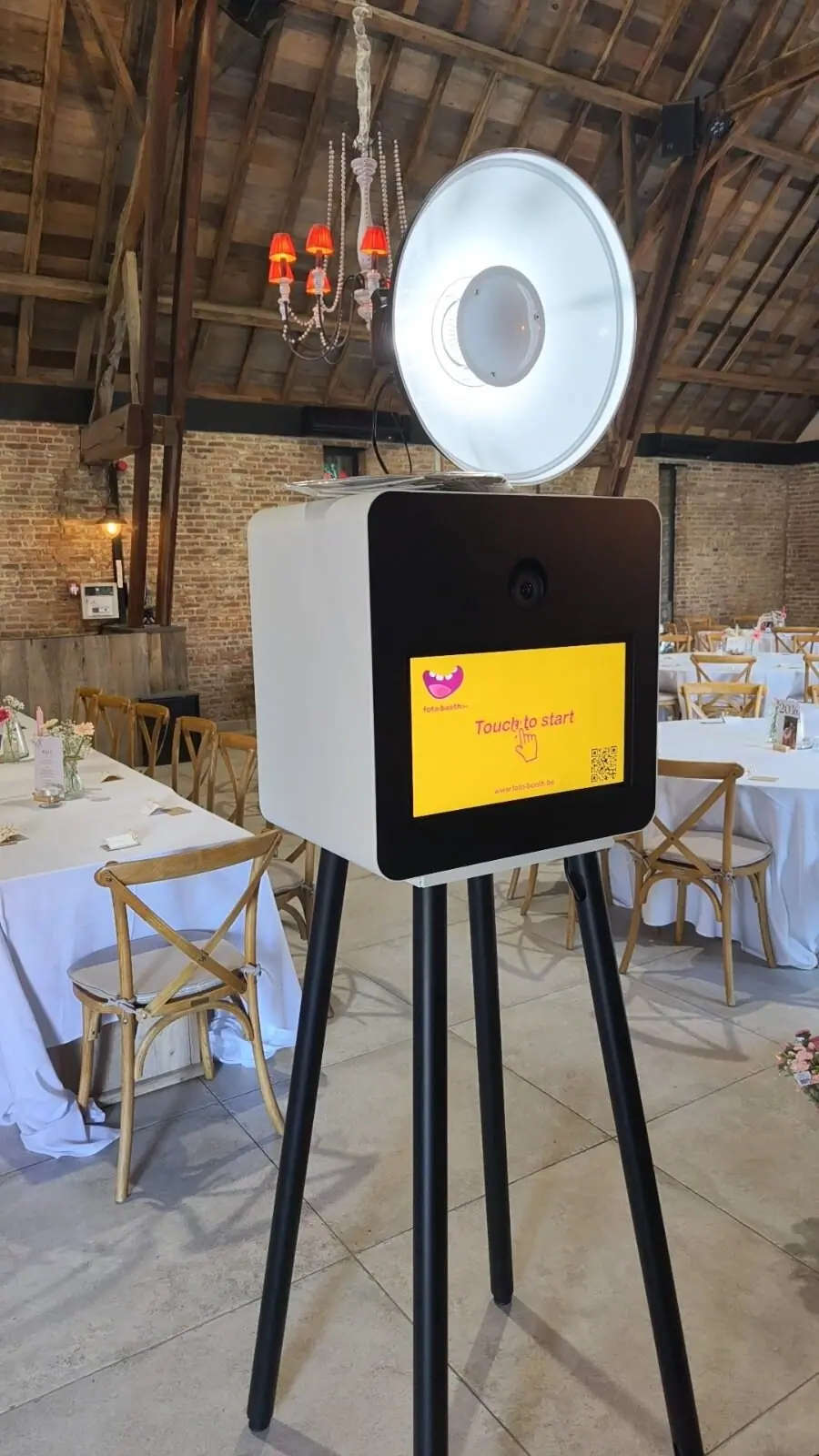
Photobooth Studio is the system Foto-booth.be uses to follow up every booking, from reservation to pickup. You get one personal link where you share the practical details and have your photo strip designed, make it yourself or upload it. Reminders, planning and the print file for the booth then follow automatically.
Photobooth Studio is the system our whole operation runs on, from your booking to the pickup. For you, that means one personal link where you arrange everything, whenever it suits you. No emails back and forth about a delivery time, no files getting lost and no need to call to check whether everything is still on track.
Why do we work with our own system?
We used to call every customer to ask for the address, the times and a contact person, and the print design went back and forth by email with attachments. That works, but every time something is retyped or forwarded, a mistake can slip in. A time noted down slightly differently, a logo in an old version.
So now everything about your party is in one place: for you, for our designers and for the crew who come to set up the photo booth. What you fill in is exactly what they see. Below we walk through the whole journey, from booking to pickup.
Step 1: you book and get your personal link
You pick a package from all packages and prices and request a quote, or you email us. As soon as your booking is confirmed, you get an email with a personal link. You don't need an account or a password: that link always takes you to your own page, even weeks later.
Step 2: you share the practical details
This used to be a phone call. Now you fill it in yourself whenever it suits you:
- the address and, if there is one, the name of the venue
- when the photo booth should be running
- when we can deliver and collect, and who will be there at that time
- who we can call on the day itself
- your VAT number, if you book through a company
You can also read exactly what you booked and you accept the terms. Renting a backdrop? You pick the design here. A backdrop that's already booked elsewhere on your date shows up greyed out straight away. Private customers also choose how they pay. Companies with a VAT number simply pay afterwards by invoice.
What if a time doesn't fit our planning?
We check everything and confirm it. If a time doesn't work, for example a pickup at three in the morning, we send you up to three other moments through the studio. You pick one, or let us know why none of them work.
Something changes after the confirmation? You request the change through the same link. We approve it or explain why it doesn't work, and you always get an email about it.
Step 3: your photo strip, three ways
As soon as the practical details are in, you choose how your strip gets made. Until you start on it, you can still change your mind.
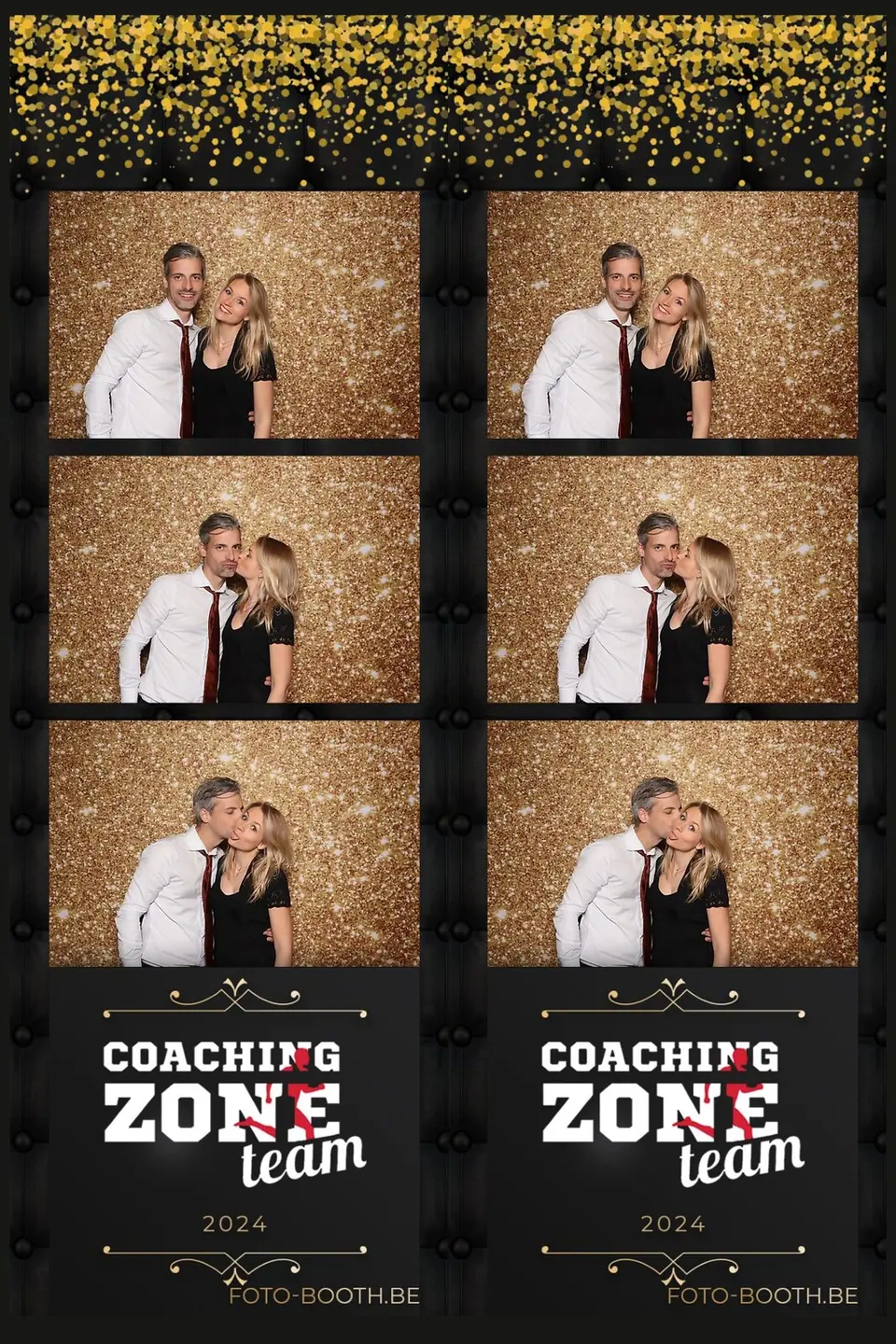
Let our designer make it
You share the names, the date, your colours and your style, and send along a logo or a few examples. You can upload several files at once or drag them in. Our designer then sends you a proof.
Something needs to change? Click the spot on the proof it's about and write what should be different. All your remarks go to the designer in one go, and you get a new version until you approve it.
Make it yourself in the studio
Rather get started yourself? Then you design your strip online in our editor, right in your browser. You can:
- start step by step: format, colours and your logo
- start from an existing template
- open a blank canvas and do it all yourself
You choose between, among others, a 5 x 15 cm strip or a single 10 x 15 cm photo, portrait or landscape. You add text, fonts, emojis and your own images yourself. When it's ready, you submit it and we check it before it goes into the photo booth.
Upload your own file
Already made the strip in another program? Just upload the file, without opening the editor. It needs to be a PNG with transparent photo frames, or a JPG. We can't use Photoshop files (PSD). We check your strip and let you know whether it's ready to print or what still needs to change.
And if you forget something?
You get a reminder automatically. Reminders only start a few weeks before the deadline and come more often as your party gets closer. Ask us to wait a while and we pause them. So we no longer have to chase anyone by phone, and you don't get emails about things that are already sorted.
Step 4: we plan the delivery
Behind the scenes, your booking now moves to the planning. Everything you filled in comes together there:
- The route. We plan the day's deliveries and pickups so we arrive within the time slot you gave.
- The crew knows everything. The address, the times, who's there and who to call come straight from your page into the crew's app. It also holds a packing list, so nothing gets left behind.
- Your design goes straight to the booth. An approved strip from the studio is fetched by the photo booth itself. Nobody has to forward or convert a file, so what was approved is what gets printed.
- A faulty booth stays home. If someone on the crew reports a problem with a booth, it can't be scheduled again until it's fixed.
Step 5: setup and your party
At the agreed time, the crew is at your door. Setting up takes about 15 minutes. Afterwards they take a photo of the setup, so the office can see everything is ready too. Chose to pay cash? The crew knows the amount that's still due.
During the party, the number of our standby crew member is on your personal page, together with a link to our help page. So you have it at hand if anything comes up. We solve a problem by phone or remotely first, and otherwise we come over.
Step 6: pickup and your photos
At the agreed time we collect the photo booth again. A night-time pickup is something we agree on with you in advance. Afterwards you get all the photos digitally through a web link.
Curious about the practical side, like how much space the booth needs? Read how it works, step by step, or pick a package straight away from all packages and prices.
Frequently asked questions
Do I need to create an account for the Photobooth Studio?
Can I design my photo strip myself?
What if something changes after the confirmation?

Is your date still free?
Build your booth in two minutes and see an indicative price straight away. There's no commitment and you'll usually get a quote within 24 hours.
Also read
News ·
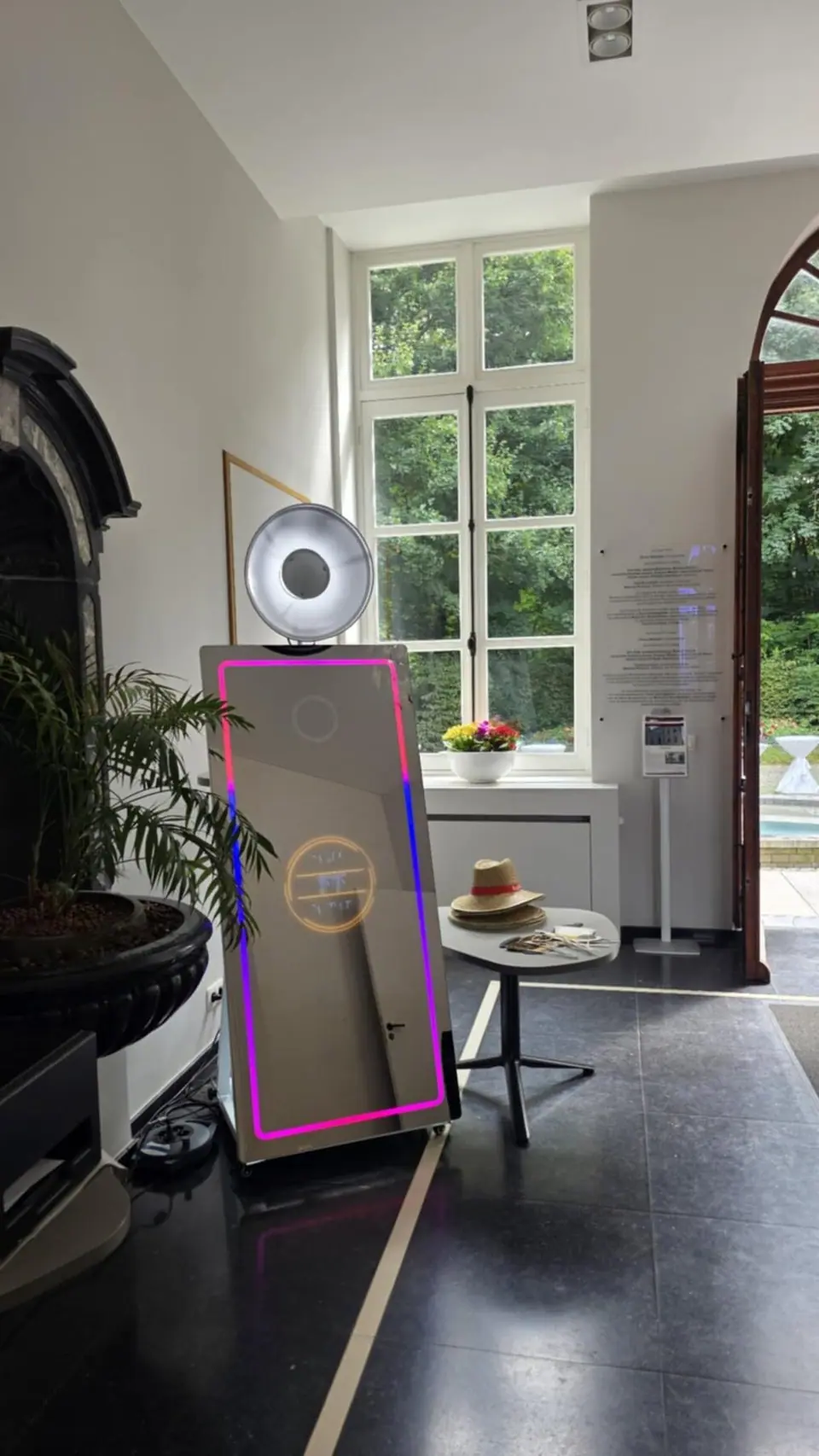
Mirror Booth 2.0: our photo mirror with a sleeker look
The Mirror Booth 2.0 is the updated version of the interactive photo mirror from Foto-booth.be, with a sleeker design and faster, smoother controls. The Mirrorbooth package costs €550 and is for indoor use only, including transport, installation and unlimited prints.
News ·
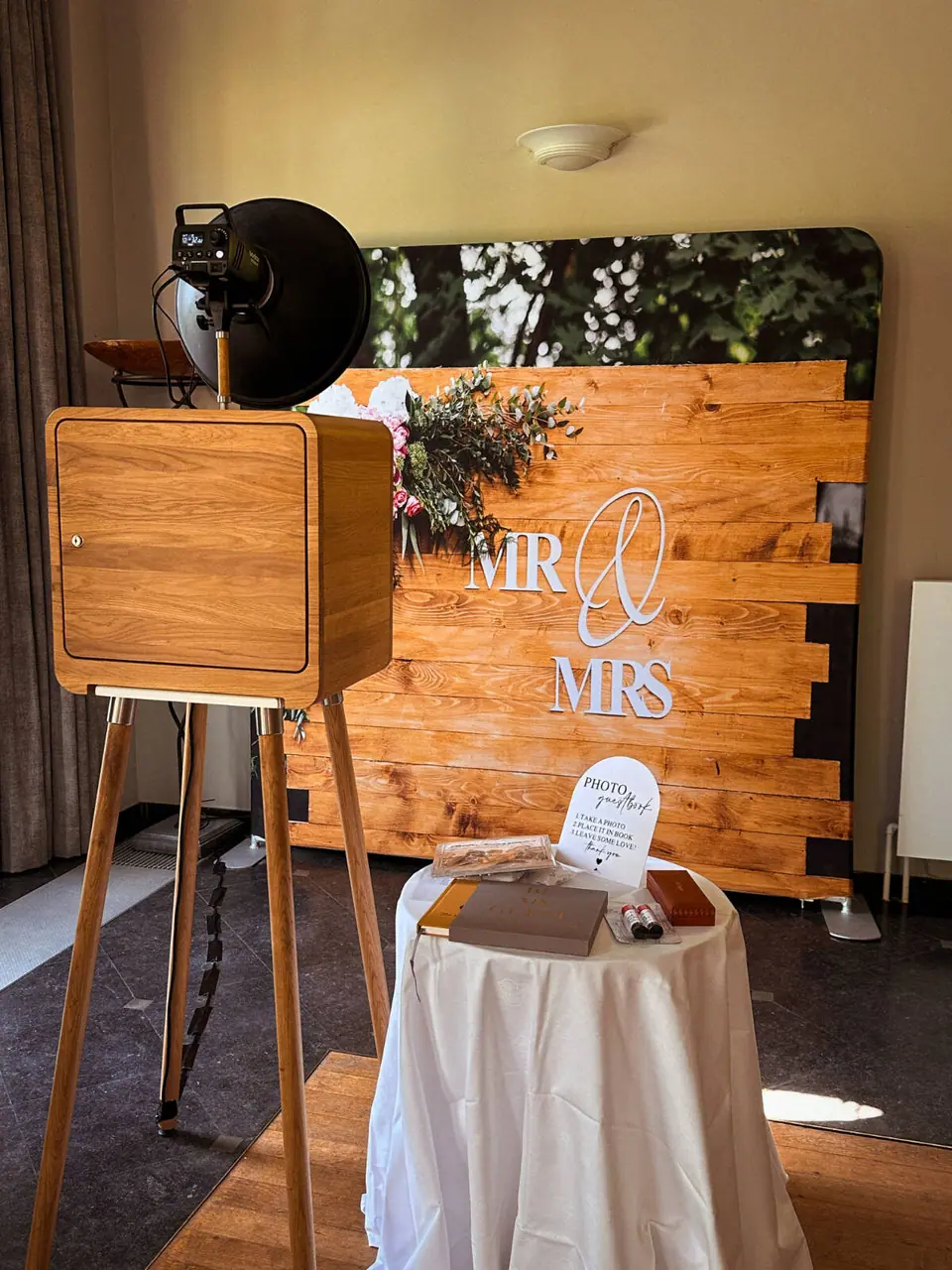
Vintage photo booth hire: a wooden look with floral accents
The vintage photo booth from Foto-booth.be is a wooden booth that you combine with a warm wooden backdrop, floral accents and a guestbook table. The look suits a romantic wedding or boho-chic party, and you can adapt it to your own theme.
News ·
House of Weddings Quality Label for Foto-booth.be
Foto-booth.be has held the House of Weddings Quality Label since March 2025. The label confirms that we meet the highest quality standards in the wedding sector and are recognised as a reliable supplier for your wedding.